
Translate the label into the customer’s requirement
Ask which parking tasks the customer expects the system to help with and which views are mandatory. A larger number in a marketing description does not establish every camera position, display mode or operating condition. Record the requested functions instead of accepting a broad panoramic-camera phrase as a complete specification.
The equipment verification guide separates such requirements from trim names. Jetour’s global presentation refers to a 540-degree parking-assist feature, but that reference does not establish its presence on every China-market or used candidate. Confirm the actual offered vehicle before including the claim in an order or customer advertisement.
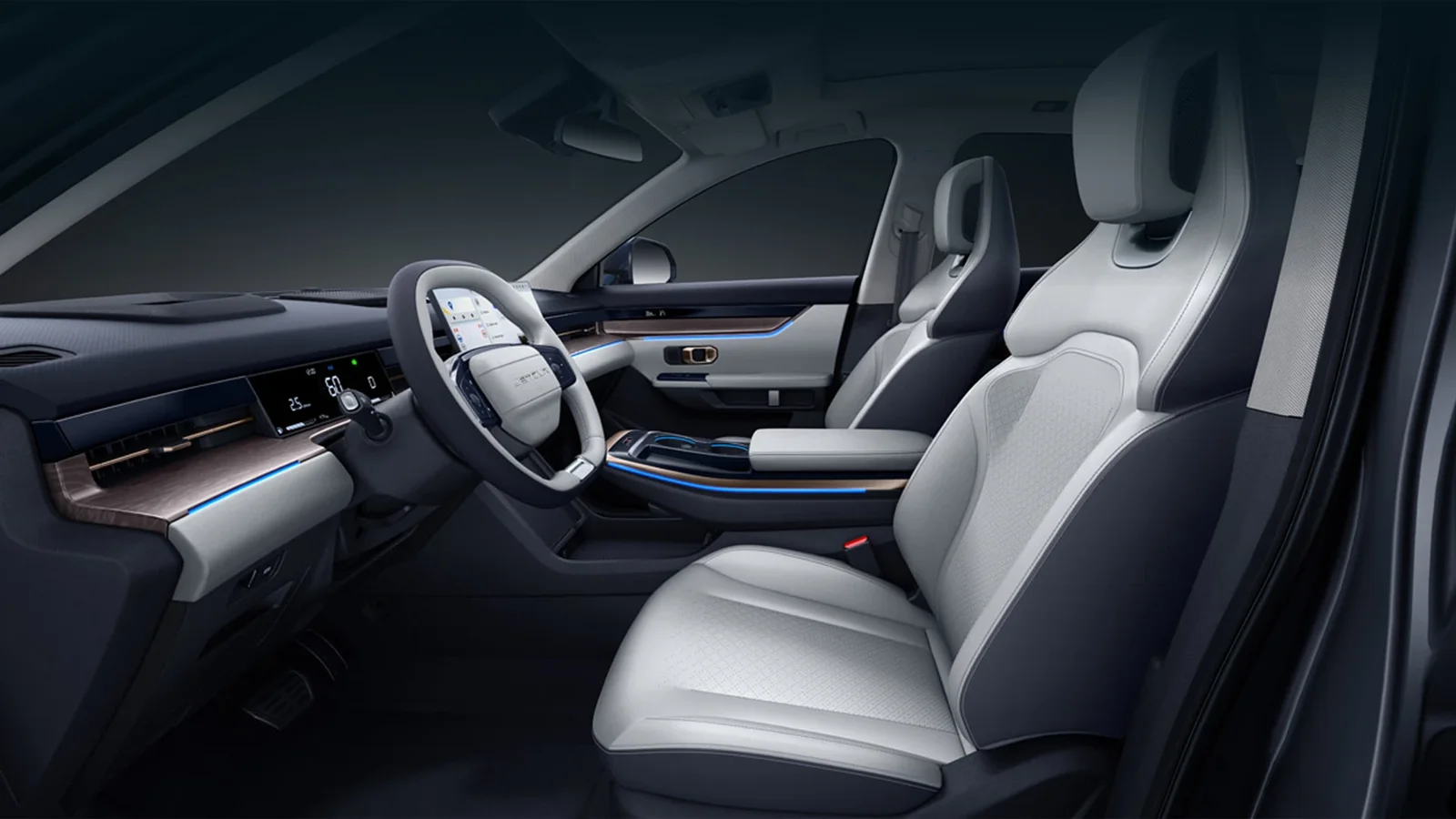
Identify the installed hardware and display
Request current equipment information and ask about disclosed camera, mirror, bumper or head-unit changes. The original factory description can provide context while failing to describe a modified car. Keep the installed arrangement with the function test so the evidence concerns the configuration the customer will actually receive.
Ask a competent provider to explain unclear equipment differences. A screen capable of displaying an image does not prove that every intended camera or control is present and supported. Do not assume that fitting a newer-looking display automatically adds the same functionality shown in a different market’s brochure.
Demonstrate the ordinary parking views safely
Have the provider show the relevant controls and views while following the vehicle’s instructions in a suitable setting. Record which functions were observed and any limitation. Avoid a demonstration that deliberately creates a collision risk to make the feature look persuasive; cameras and assistance functions do not remove the driver’s responsibilities.
Ask for enough context to understand the display and vehicle surroundings rather than a tight crop of the screen alone. The buyer should be able to distinguish the selected view, its purpose and whether the image is usable for the requested task. Keep the result limited to the conditions actually demonstrated.
Review image quality and unusual observations
Ask the provider to record missing views, inconsistent images or other concerns relevant to usability. An unclear picture may require investigation, but should not trigger a remote diagnosis of a specific failed part. Have the appropriate personnel determine whether cleaning, adjustment, component work or another response is actually needed.
Do not interpret an attractive stitched view as an unrestricted view of everything around or beneath the car. Clarify the actual function and limits through applicable information. A customer can make better use of a verified system when its capabilities are described accurately instead of being expanded by the wording of a sales label.
Connect repair history to the present result
The parts-matching guide is relevant where previous body or equipment work affects the camera installation. Ask for the actual components and repair scope, and let the qualified provider determine any applicable setup or verification. Physical installation alone does not establish the correct outcome of the full system.
Retain completion evidence if relevant work was performed. A paid invoice or a dashboard without warnings is not a substitute for checking the functions the customer requires. If a step remains pending, keep it in the acceptance list rather than describing the car as fully prepared because the exterior now looks complete.
Keep parking cameras separate from phone functions
The phone-projection checklist addresses a different part of cabin use. A successful CarPlay or Bluetooth demonstration does not verify parking views, while a working camera screen does not establish the customer’s required phone integration. Test and record each mandatory function on its own terms.
If a head-unit change is proposed to solve one requirement, ask how it affects the other relevant functions. The finished configuration needs a fresh review after material changes. Do not retain the original camera test as proof for a later modified installation simply because both use a similar screen shape.
Retain an itemised equipment decision
Send Panda the mandatory parking views, accepted versions and condition preference, with the intended destination. Ask for the actual demonstrated functions and any remaining uncertainty to stay visible in the offer. A precise result list is more useful than a broad technology-package label with no supporting vehicle record.
At handover, connect the accepted equipment and completion evidence to the final car. Recheck relevant functions after substitution or repair. The customer should know what the selected Dashing provides and what was verified, without assuming that every 360/540 label describes identical hardware, automatic parking capability or a guarantee against parking incidents.