
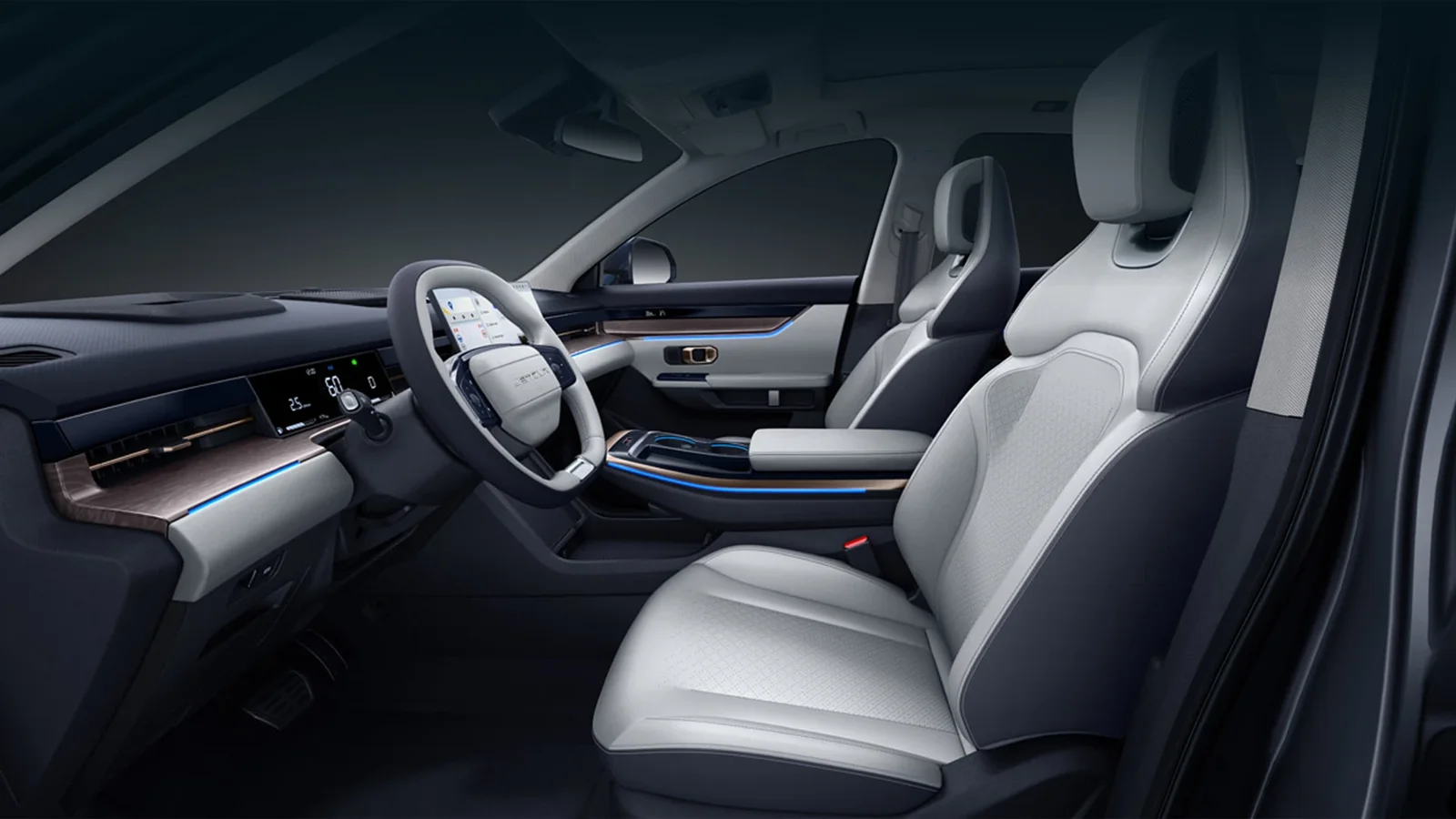
Define the phone task rather than a screen label
Ask whether the customer requires calls, music, phone-based maps or a particular projected interface. These are separate functions and should have separate acceptance answers. A successful Bluetooth call cannot establish Android Auto, while built-in navigation does not by itself demonstrate Apple CarPlay.
State the intended phone type and whether a wired or wireless setup is mandatory. Identify whether an adapter is acceptable or the buyer requires a verified native arrangement. A precise feature request prevents the supplier from answering a broad connectivity question with whichever limited function happens to be easy to demonstrate.
Identify what is actually installed
Request the head-unit information, original market and relevant vehicle specification. Ask whether the system or associated equipment has been replaced or modified. A newer-looking screen may introduce different dependencies, so its appearance should not be presented as proof that it reproduces another version’s factory functionality.
The language and connected-system guide keeps equipment and service assumptions separate. Record the actual configuration beside the demonstration. If the car receives further multimedia work before delivery, the original result should not be transferred automatically to a changed installation that the customer has not yet seen operating.
Show the ordinary connection process
Ask for a demonstration in a safe parked setting, beginning before the phone is connected. Identify cables or adapters and show the relevant setup steps. The provider should use suitable test information without revealing personal messages, account credentials or unrelated private material in a sales video.
Demonstrate a small set of tasks matching the customer’s requirement and record the phone used. A result with one device is useful evidence for that arrangement, not universal support for every phone. Note any repeated manual step needed after a normal restart so the buyer understands how the system will be used daily.
Check language in important menus
Review the main vehicle settings and frequently used controls as well as the phone interface. An English phone application does not establish an entirely English vehicle menu. Show relevant limitations before acceptance instead of describing the cabin as fully converted from a small selection of favourable screenshots.
Do not treat unsupported firmware replacement as an assumed routine solution. If a provider proposes conversion work, identify its scope, responsibility and support. The buyer can evaluate a disclosed arrangement, but should not be asked to rely on a future update or modification that has not been confirmed for the selected vehicle.
Preserve related cabin functions after modifications
The parking-camera checks address another system that may use the display. A successful phone interface does not prove the parking views remain correct after a head-unit change. Identify other mandatory functions and have them reviewed where the proposed work can affect their operation.
Ask the provider to explain the finished setup rather than demonstrating each feature on a different car. The acceptance evidence should concern one coherent configuration. An impressive combination of catalogue screenshots can otherwise suggest a package of functions that no actual offered vehicle has been shown to provide together.
Separate local functions from online services
Clarify any account, subscription, connection or region requirement relevant to the promised function. A source-location demonstration is not proof of every embedded online service in the destination. Where destination operation has not been verified, retain that limitation instead of using the phrase international software to conceal uncertainty.
The new-stock preparation checklist connects final verification with delivery. Count the accessories necessary to reproduce the demonstrated arrangement and confirm they are included. A borrowed workshop adapter or someone else’s account should not silently become an essential part of a setup that the customer expects to receive and control.
Record the exact result in the buying offer
List each mandatory function with its tested device, method and observed outcome. Keep optional features and untested services separate. This produces an understandable handover note without requiring the receiving dealer to infer the setup from a collection of photographs showing only that the screen powers on.
Send Panda the phone and language requirements with accepted years, new or used preference and destination. If a candidate or installed unit changes, repeat the relevant review. A specific verified result supports an honest customer promise; a general Dashing multimedia description cannot establish every interface, phone or overseas service the buyer might assume it includes.