
Name the few actions that determine acceptance
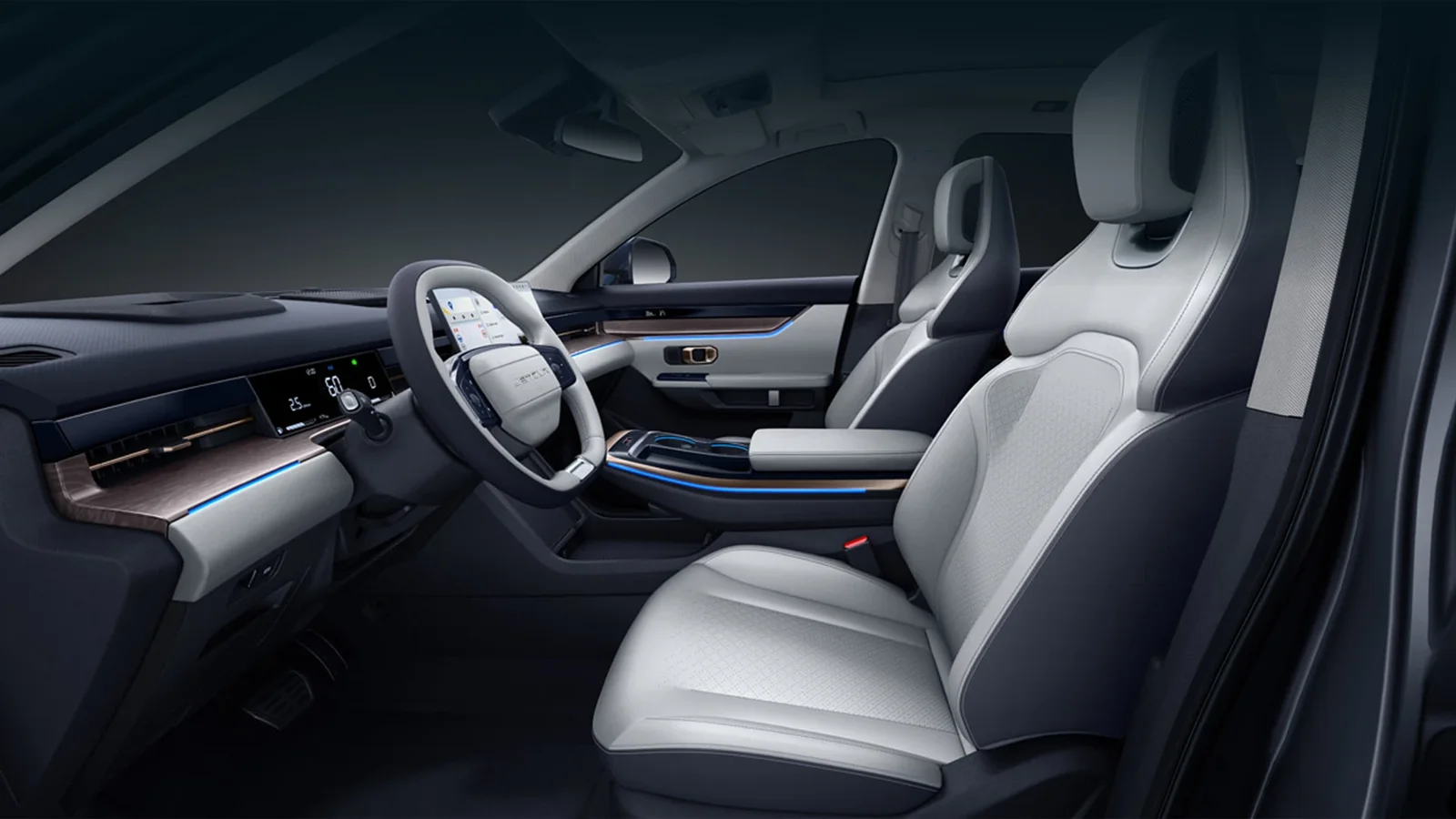
Ask what the customer needs to do regularly: change a wanted cabin setting, find an ordinary menu, connect a phone or access a particular vehicle function. Keep these actions specific instead of asking whether the screen is good. The equipment guide establishes what is actually fitted. A manufacturer reference cabin can explain the appearance, but it cannot identify every offered period’s controls or software. Record the exact candidate and any disclosed screen changes. If the driver strongly prefers a physical control for a particular task, retain that as a requirement to verify, not a feature to infer from an attractive image. Another buyer may prefer a supported screen method. The useful decision is whether the actual arrangement answers this person’s ordinary routine, without claiming one interface type is universally better for all drivers or every function.
Demonstrate the supported sequence under suitable conditions
Ask for an ordinary, appropriate demonstration of the wanted action, with the relevant initial state and result clear. Control review can be performed in a suitable stationary setting; it should not rely on a distracted moving demonstration. Identify which menu or hardware method is shown and whether the seller uses an alternate function instead of the requested one. A screen lighting up establishes a narrower result than completing the task. The connected-function review separates local controls from services dependent on another connection. Keep any account, device or setting condition visible. Do not guess that a feature will become easier after an update that has not been supported and completed. If the demonstration leaves the customer’s essential action unrepresented, retain it as unresolved even when the rest of the cabin looks modern. Useful evidence explains the method, rather than merely showing the display.
Retain language where it affects the actual task
Ask which language is needed in the relevant controls, prompts or warnings and what the actual installed system provides. A translated home screen does not establish every underlying menu. The software and language review covers proposed changes and before-and-after evidence; this article concerns whether the delivered method suits daily use. If an update is suggested, identify the supported work scope, provider and resulting functions before crediting it. A seller should not share credentials or treat another user’s setup as the customer’s receiving access. Label what was demonstrated in the selected language and what remains unconfirmed. A buyer can accept some language limits deliberately, but the concession should be recorded rather than hidden behind an English interface photograph. Keep personal preference and functional accessibility separate from a claim that the whole system is fully localised.
Keep shared use and current findings in the review
If more than one person uses the car, ask whether each needed routine can be completed under the agreed ordinary arrangement. Profile, key or account behaviour needs actual evidence; a setting recalled under the seller’s access does not establish every receiving user’s result. The access handover guide retains supplied items and supported processes. For a used candidate, keep relevant current screen, control and disclosed-work findings beside the demonstration. A responsive menu cannot clear an unassessed installation concern, and a current fault should not be presented as merely a user preference. For new sourcing, state the configuration and response to be confirmed in pre-delivery checks. If preparation changes software or fitted hardware, repeat the material task. The customer’s decision should concern the actual final system rather than a successful demonstration recorded before work altered the method.
Value the interface benefit within the real alternative
Compare another eligible Dashing or a competitor against the same wanted actions, using its own identified equipment. The Coolray comparison retains that method across actual proposals. A driver may accept a simpler interface that reliably fulfils essentials rather than paying for a richer-looking unconfirmed package. Another may value a supported additional action enough to choose the premium. Keep the feature benefit separate from status, condition and included preparation so the entire amount difference is not credited to screen size. Record the demonstrated method, language limits and work still required in the Dashing enquiry. A replacement car needs its own task evidence, particularly if hardware or software differs. The final recommendation should explain the useful daily benefit and its limits without promising universal intuitiveness, receiving service access or improvement from an unspecified future update.
Choose the next action
| Requirement or finding | Buying response |
|---|---|
| Screen appearance is the only evidence | Request the customer’s actual ordinary action. |
| Language covers only the first menu | Retain unresolved task-specific prompts and settings. |
| Software or hardware changes | Repeat relevant functions on the final supplied arrangement. |
Questions buyers ask
Does a larger display make Dashing easier to use?
Not automatically. Identify the actual hardware and demonstrate the driver’s wanted routine. Screen dimensions do not establish personal preference, language coverage or receiving access.
Can an update promise settle an awkward control task?
No. Obtain a supported proposal and evidence of the completed result. Keep the present method and unresolved task visible until the actual final system is assessed.